Managing Offers in CRM Systems: Functions and Workflow
Offer management in CRM: templates, automatic customer data, shipment tracking and conversion to orders. Functions and selection criteria.
Updated: September 13, 2026
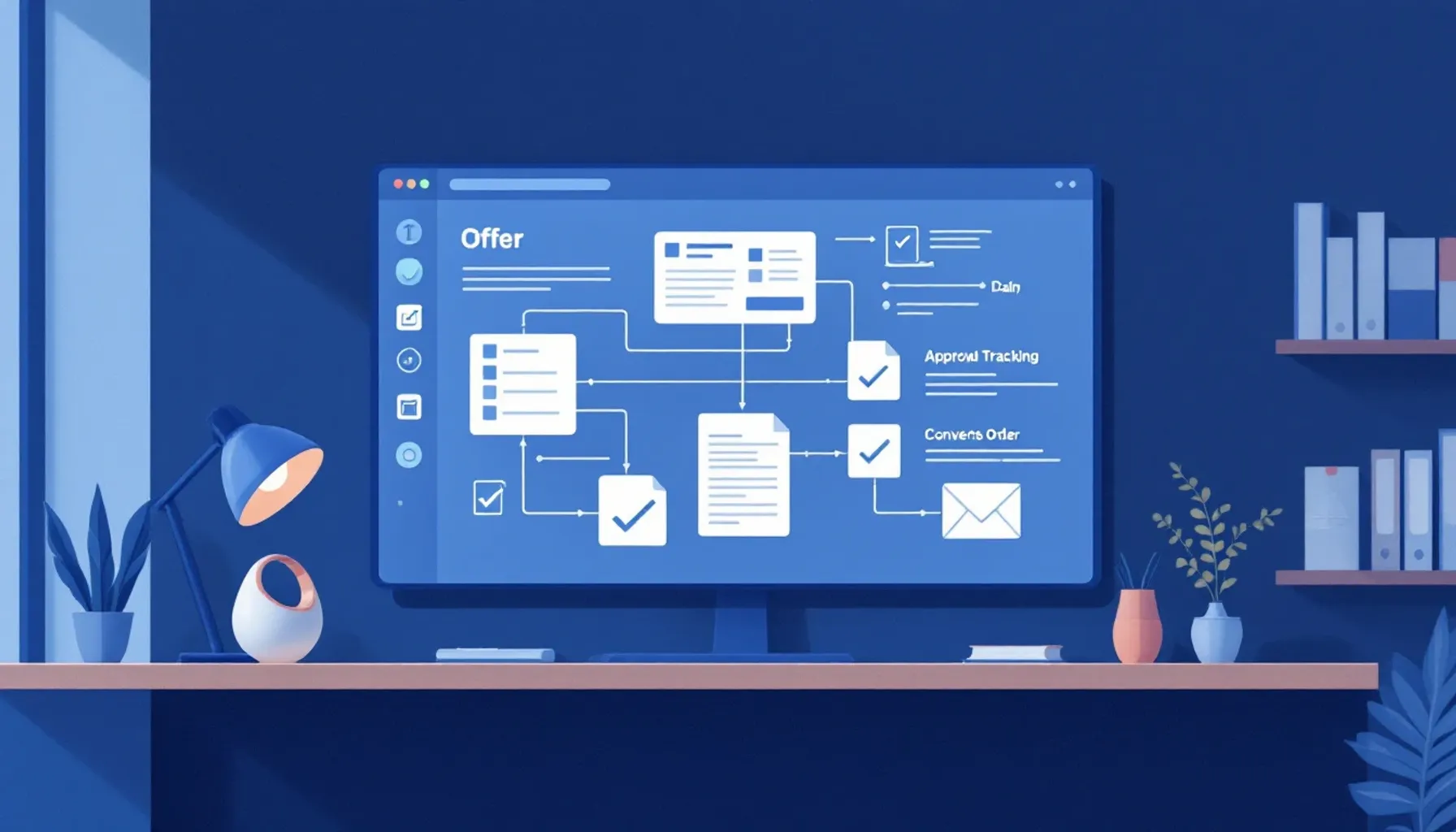
Managing Offers with CRM System: Functions, Workflow, and Selection Criteria
Quick Answer: Managing offers with a CRM system refers to the centralized management of the entire offer lifecycle in one platform: creation from predefined templates, automatic customer data integration, digital dispatch with open tracking, follow-up of pending offers, and seamless conversion into orders or invoices without re-entry. A CRM system thus replaces the version chaos and manual data silos of Excel-based processes and gives sales a central overview of all offers and their status.
What is Offer Management in a CRM System?
Offer management in a CRM is not just about writing offers, but about centrally managing the entire offer lifecycle – from creation through dispatch to follow-up and conversion into orders. A CRM system connects all offers with customer data, contact histories, and sales opportunities and makes the status of each offer visible at a glance.
Offer Creation with Predefined Templates
In the CRM, you store offer templates for recurring services or product combinations. When creating a new offer, you select the appropriate template, and the system automatically fills in customer data such as name, address, and contact person. You only need to adjust line items, quantities, and prices – instead of writing each offer from scratch.
Version Control and Change History
Every change to an offer is logged. You can see who changed the offer and when, and you can revert to earlier versions. This prevents confusion when multiple people work on an offer or when the customer requests changes.
Automatic Dispatch and Follow-up
After dispatch, the CRM automatically shows whether and when the customer opened the offer. You can set reminders to follow up on pending offers – without having to manually search through emails.
Conversion into Order or Invoice
Once the customer has accepted the offer, you convert it into an order or invoice with a single click. All data – line items, quantities, prices, customer data – is already present and does not need to be re-entered.
Core Functions of a CRM System for Offers
A CRM simplifies offer management through functions that prevent errors, save time, and automate follow-up.
Predefined Offer Templates and Industry Templates
Most CRM systems offer industry-specific templates (e.g., for services, retail, or trades). You can customize and save these to use them repeatedly. This reduces writing work and ensures consistency in layout and wording.
Automatic Customer Data Integration into Offers
As soon as you select a customer in the CRM, their data is automatically inserted into the offer: name, address, contact person, tax number, payment terms. Manual copying errors are eliminated.
Digital Dispatch and Open Tracking
Send offers directly from the CRM via email. The system logs when the recipient opens the offer and how long they view it. This information helps your sales team choose the right time to follow up.
Reminders and Follow-up of Pending Offers
The CRM can automatically set reminders if an offer has not been accepted for longer than X days. You see immediately on the dashboard which offers are still open and how long they have been pending.
Conversion into Orders and Invoices without Re-entry
If an offer is accepted, you create an order or invoice directly from it. All line items, quantities, and customer data are already present – no duplicate data entry.
Workflow: From Sales Opportunity to Offer
A typical offer workflow in a CRM follows a structured process:
Step 1: Capture Sales Opportunity and Link with Customer Data
A potential customer contacts you or is contacted by you. You capture this sales opportunity in the CRM and link it with the customer record. The system notes the contact date, reason, and expected order value.
Step 2: Create Offer from Template and Customize
You select an appropriate offer template and create a new offer. (specialized offer software) The CRM automatically fills in customer data. You add line items, quantities, prices, and special conditions.
Step 3: Send Offer and Set Status
The offer is sent via email. The CRM automatically sets the status to "sent" and saves the dispatch date.
Step 4: Track Opens and Interactions
The dashboard shows when the customer opened the offer. Automatic reminders can be set if no response comes after 5 or 7 days.
Step 5: Accept or Reject Offer – and Hand Over to Next Step
The customer responds. You update the offer status to "accepted" or "rejected". Upon acceptance, you convert the offer into an order or invoice – all data is already present.
Offer Management vs. Excel and Manual Processes
Excel-based offers lead to typical problems that a CRM system systematically solves:
Avoid Version Chaos and Duplicates in Excel
In Excel, you often save offers as individual files – "Offer_Customer_v1", "Offer_Customer_v2", "Offer_Customer_final". You quickly lose track of which version is current. A CRM stores all versions centrally and clearly shows the current version.
Automatically Insert Current Customer Data Instead of Manually Copying
In Excel, you manually copy customer data from another file into the offer. If the address or contact person changes, you must manually update all offers. A CRM links offers with customer data – changes take effect automatically.
Follow-up: Who Opened the Offer? When?
Excel cannot track whether an offer was opened. You must manually ask or check email open rates. A CRM automatically shows when and how often the offer was viewed.
No Duplicate Entry When Converting to Invoice
In Excel, you create the offer, then copy all data into an invoice template and manually enter it. Errors occur easily. A CRM converts offers into invoices with a single click – without re-entry.
Central Overview of All Pending Offers
In Excel, you must manually create lists or search to see which offers are still open. A CRM immediately shows on the dashboard how many offers are pending, how long they have been open, and who is handling them.
Selection Criteria: Which CRM Fits Your Company?
The right choice depends on your situation – not on abstract rankings, but on concrete requirements.
Size and Team Structure: Solo or with Team?
If you work alone, you need a lean system with simple operation and low costs. With a team, focus on roles, permissions, and collaboration is more important. Some CRM systems scale better from 1 to 10 users than others.
Industry and Offer Complexity: Standard Offers or Configurations?
If you write simple standard offers, predefined templates are sufficient. If you need complex configurations (e.g., in trades with many options), look for a system with flexible line item groups and conditional logic.
Integration with Existing Tools: Invoicing Software, Accounting, Email?
Check whether the CRM integrates with your invoicing software, accounting, and email program. (seamless integration with invoicing programs) Seamless integration saves time and prevents data duplication.
User-Friendliness and Training Effort
A complex system with many functions requires training. A simple system is faster to deploy but may offer less automation. Test the interface before purchasing.
Budget and Scalability: Growth Without System Change?
Clarify how pricing works: per user, per module, or flat rate? Can you scale later without major effort, or do you need to change systems if your team grows?
Worked example: at what volume a CRM pays for itself
An example instead of a rule of thumb. The question is never whether a CRM is useful, but from how many quotes onward.
Assumptions: loaded hourly cost €60, one quote covers drafting, following up, and filing.
| Step | Spreadsheet and folders | CRM |
|---|---|---|
| Draft the quote (line items, prices, layout) | 35 min | 12 min |
| Look up customer details | 6 min | 0 min |
| Send and file | 8 min | 1 min |
| Follow up (remember the date, check the state) | 12 min | 3 min |
| Minutes per quote | 61 | 16 |
| Saved per quote | 45 minutes = €45 |
At an assumed €30 a month for the CRM, the break-even is:
€30 ÷ €45 per quote = 0.67 quotes per month
Less than one quote a month. That sounds obvious — which is exactly why the arithmetic is rarely the real reason for a no.
What actually argues against switching is not in that table: the one-off setup. Migrating customer records, building templates, entering a line-item catalogue — realistically 8 to 12 hours, or €480 to €720 of your own time. At €45 saved per quote, that pays back after 11 to 16 quotes. Writing 20 quotes a year puts you ahead in about seven months; writing five puts you ahead in three years.
That is the honest boundary: below roughly 15 quotes a year, setup costs more than the tool saves, however cheap the subscription.
| Criterion | Question | Prioritization |
|---|---|---|
| Functions | ☐ Predefined offer templates available? | High |
| ☐ Automatic customer data integration? | High | |
| ☐ Open tracking and follow-up? | High | |
| ☐ Automatic conversion to order/invoice? | High | |
| ☐ Version control and change history? | Medium | |
| Integration | ☐ Interface to invoicing software? | High |
| ☐ Email integration (dispatch, tracking)? | High | |
| ☐ Connection to accounting/ERP? | Medium | |
| ☐ API for third-party systems? | Medium | |
| User-Friendliness | ☐ Intuitive operation without lengthy training? | High |
| ☐ Mobile app for on-the-go? | Medium | |
| ☐ Good onboarding and documentation? | Medium | |
| Scalability | ☐ Transparent pricing model for 1–5 users? | High |
| ☐ Easy expansion to more users? | Medium | |
| ☐ Sufficient storage space and data limits? | Medium | |
| Security & Data Protection | ☐ GDPR-compliant (EU data storage)? | High |
| ☐ Regular backups and encryption? | High | |
| ☐ User rights and access control? | Medium |
Application: Go through this checklist and mark the requirements that are "High" for your company. Then test 2–3 systems that meet these requirements with a free demo or trial. Do not prioritize all functions equally – focus on those that will most improve your current workflow.
---
FAQ
Can I use a CRM system only for offer management or do I need all functions?
You can use a CRM specifically for offer management and activate other modules later. Many systems offer modular pricing: you only pay for the functions you use. Start with offers, customer management, and follow-up – additional modules such as accounting or project management can be added later.
How long does it take to implement a CRM system for offer management?
Basic setup (creating templates, importing customer data, writing first offers) typically takes 1–2 weeks. Full integration with invoicing software and email can take 2–4 weeks. Many providers offer onboarding support to speed up the process.
What data should I store centrally in a CRM for offers?
Store customer master data (name, address, contact person, phone, email), payment terms, tax numbers, and discount rates centrally. Add sales opportunities (date, value, status) and offer history (dispatch date, opens, acceptance/rejection). This way you avoid duplicate entries and have all information in one place.
Can a CRM system automatically convert offers into invoices?
Yes, most modern CRM systems can convert offers into orders or invoices with a single click. All line items, quantities, prices, and customer data are transferred. You only need to set the invoice date and optionally add further conditions – re-entry is not necessary.
How do I ensure that my offer data is secure?
Choose a CRM system that is GDPR-compliant and stores data in the EU. Check whether the system offers encryption, regular backups, and access control. Read the privacy policy and ask the provider about security certifications (e.g., ISO 27001). Restrict access to offers through user roles.
Frequently asked questions
Can I use a CRM system only for offer management or do I need all functions?
You can use a CRM specifically for offer management and activate other modules later. Many systems offer modular pricing: you only pay for the functions you use. Start with offers, customer management, and follow-up – additional modules such as accounting or project management can be added later.
How long does it take to implement a CRM system for offer management?
Basic setup (creating templates, importing customer data, writing first offers) typically takes 1–2 weeks. Full integration with invoicing software and email can take 2–4 weeks. Many providers offer onboarding support to speed up the process.
What data should I store centrally in a CRM for offers?
Store customer master data (name, address, contact person, phone, email), payment terms, tax numbers, and discount rates centrally. Add sales opportunities (date, value, status) and offer history (dispatch date, opens, acceptance/rejection). This way you avoid duplicate entries and have all information in one place.
Can a CRM system automatically convert offers into invoices?
Yes, most modern CRM systems can convert offers into orders or invoices with a single click. All line items, quantities, prices, and customer data are transferred. You only need to set the invoice date and optionally add further conditions – re-entry is not necessary.
How do I ensure that my offer data is secure?
Choose a CRM system that is GDPR-compliant and stores data in the EU. Check whether the system offers encryption, regular backups, and access control. Read the privacy policy and ask the provider about security certifications (e.g., ISO 27001). Restrict access to offers through user roles.