Managing Quotes and Invoices: 5 Steps and Checklists
Structured management of quotes and invoices: workflow, tools for small business owners, legal requirements and practical checklists.
Updated: July 24, 2026
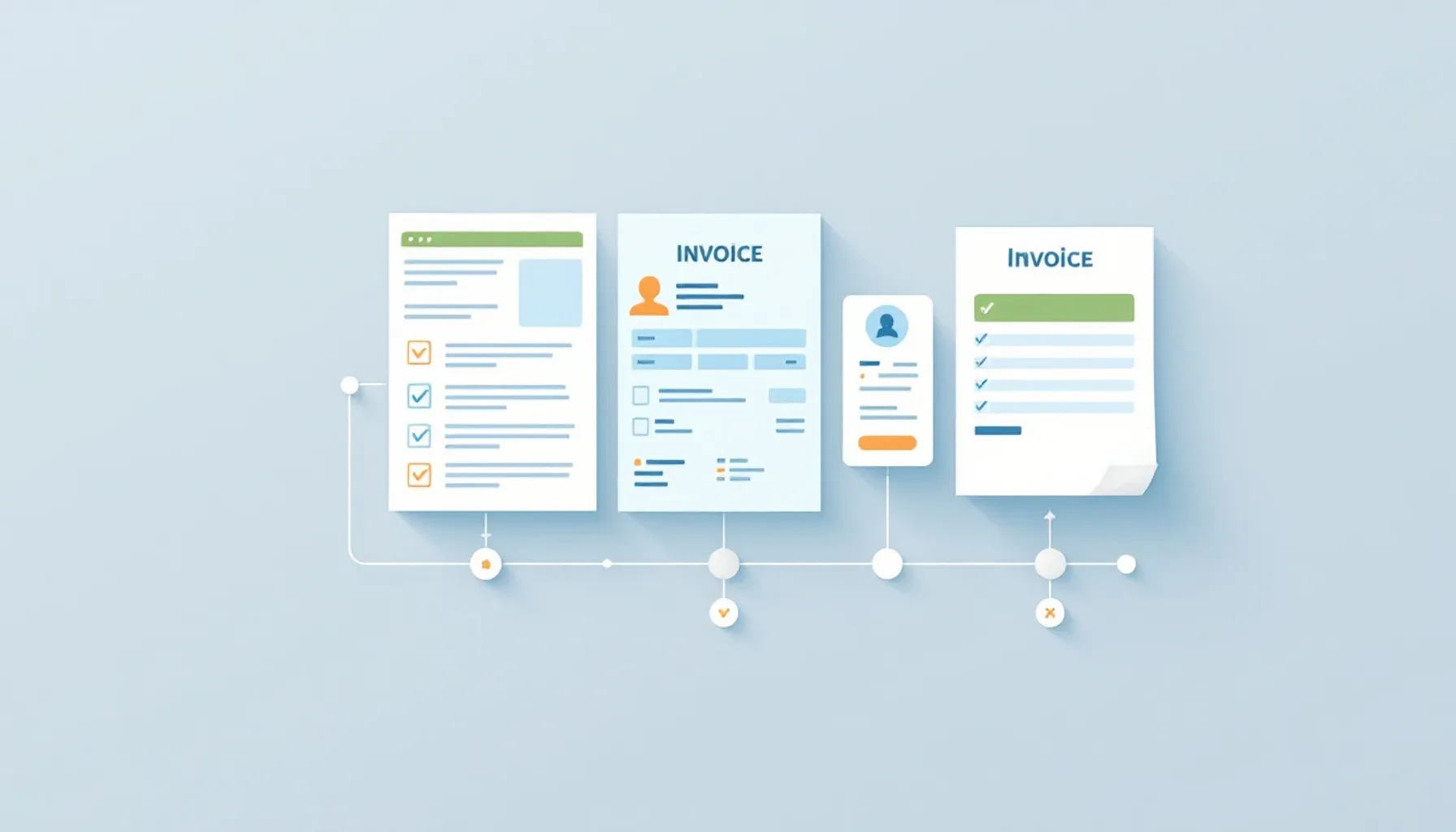
Managing Offers and Invoices: Workflow, Tools and Practical Checklists for Small Business Owners
Managing offers and invoices refers to a system that converts offers into orders, issues invoices promptly, tracks payments and fulfills legal requirements – whether using Excel, specialized software or integrated solutions.
Short Answer: Structured management of offers and invoices ensures that orders are not lost, payments arrive on time and all legal requirements are met. The process comprises five core steps: create offer, confirm order, issue invoice, track payment and archive documents. For small business owners, a simple system is often sufficient – Excel with templates or specialized invoicing software – as long as it is applied consistently.
Difference Between Offer, Order and Invoice
These three documents are legally and practically different. Many small business owners do not create them in the correct order – this leads to misunderstandings with customers and documentation problems.
What an Offer is and How Long it Remains Valid
An offer is a service promise with price and conditions. It is legally a declaration of intent that the customer can accept – then a contract is created. The offer should contain: service description, price, validity period and customer data. The validity period is not legally defined – typical periods are 7 to 30 days, depending on industry and agreement. If the customer does not accept the offer within this period, it expires. An offer is not yet an invoice and does not automatically create a payment obligation.
When an Order is Created and What it Means
An order is created when the customer accepts the offer – verbally, in writing or through implied action (e.g., by payment). From this point on, there is a performance obligation. It is advisable to confirm the order in writing to avoid misunderstandings. An order confirmation documents exactly what was agreed, when the service will be provided and at what price.
When an Invoice is Due and What Mandatory Information it Must Contain
An invoice is due after the service has been provided. It is the request for payment and documents that a service has been provided. Mandatory information includes: invoice number (sequential), invoice date, service date or period, service description, quantity and price, tax rates and total amount, invoice address and payment terms. If this information is missing, the invoice is defective and can lead to payment delays – the customer can rightfully object.
---
Step-by-Step: From Offer to Paid Invoice
The workflow from offer to paid invoice follows a clear sequence. If each step is documented, fewer errors occur and payments arrive more promptly.
Create and Send Offer
Begin with an offer template that contains all necessary data: customer number, contact details, service description, price, validity period and your payment terms. Use a unique offer number so you can later track which offers were accepted. Send the offer in writing – by email or mail – and document the sending date. Set a reminder to follow up after the validity period expires if the customer has not responded.
Confirm Order and Prepare Invoice
Once the customer accepts the offer – whether verbally or in writing – confirm the order in writing. Use an order confirmation template that repeats the key data from the offer and sets the service date. Save this confirmation together with the offer so you can later prove that a contract was concluded. In parallel, prepare the invoice template – use the data from the offer and order.
Issue Invoice and Archive
After service delivery, issue the invoice. Use a sequential invoice number – this is legally required. Check before sending: are all mandatory information complete? Do customer data, service description and price match? Send the invoice in writing and save a copy. According to GoBD requirements, digital invoices must be archived so that they are readable and retrievable unchanged at all times – a simple folder structure on your computer or in the cloud is sufficient as long as it is consistent.
Track Payments and Initiate Reminders
Note the invoice date and agreed payment deadline (typically 14–30 days). Regularly check whether payment has been received. If the deadline has passed, send a payment reminder – polite but clear. If nothing has arrived after another 7–10 days, send a formal dunning notice. Document each reminder so you can later prove that you asserted the payment obligation.
Offer and Invoice Management Checklist
Use this checklist to ensure that no step is forgotten:
| Step | Task | Control Point | Status |
|---|---|---|---|
| Offer Creation | Fill in offer template with all customer data | Customer number, service, price, validity period present? | ☐ |
| Offer Management | Assign unique offer number | Sequential numbering? | ☐ |
| Offer Management | Document sending date | When was the offer sent? | ☐ |
| Offer Management | Set follow-up reminder | Reminder after validity period expires? | ☐ |
| Order Confirmation | Document acceptance of offer | Written confirmation from customer or order confirmation letter sent? | ☐ |
| Order Confirmation | Set service date | When will the service be provided? | ☐ |
| Invoice Creation | Fill in invoice template | All data from offer and order correctly transferred? | ☐ |
| Invoice Creation | Assign sequential invoice number | Numbers without gaps? | ☐ |
| Invoice Control | Check mandatory information | Invoice number, date, service, tax rates, total amount, payment terms complete? | ☐ |
| Invoice Control | Compare customer data and price with offer | No discrepancies? | ☐ |
| Invoice Sending | Send invoice in writing | By email or mail with delivery confirmation? | ☐ |
| Archiving | Save invoice copy | Digital copy stored in folder structure or cloud? | ☐ |
| Payment Tracking | Note payment deadline | 14–30 days after invoice date? | ☐ |
| Payment Tracking | Check payment receipt | Regularly checked (e.g., weekly)? | ☐ |
| Payment Reminder | Send payment reminder | After deadline expires, politely worded? | ☐ |
| Dunning | Send formal dunning notice | After another 7–10 days, with payment deadline? | ☐ |
| Dunning | Archive dunning letter | Documentation for later? | ☐ |
---
Excel vs. Invoicing Software: Decision Criteria
Many small business owners ask themselves whether Excel is sufficient or whether specialized software makes sense. The answer depends on company size, number of invoices and available time.
When Excel is Sufficient
Excel can be sufficient if you typically issue a small number of invoices per month, have a stable customer base and are willing to use a system consistently. Advantages: Excel is free or inexpensive, you have complete control over the structure and it requires no training. Disadvantages: You must create and maintain templates yourself, errors occur through manual entries, payment tracking is manual and there are no automatic reminders. Archiving and retention according to GoBD requirements is also more time-consuming – you must ensure that files remain complete and unchanged.
When Software Becomes Worthwhile
Specialized invoicing software becomes worthwhile if you regularly issue a higher volume of invoices per month, multiple team members work together or you want to automatically track payments. Advantages: Automatic numbering, customer database, automatic conversion from offer to invoice, automatic payment reminders and archiving according to GoBD standards. Disadvantages: Costs (typically monthly or annually), dependence on the provider and training time. Data security is also a factor – you should check how the provider stores and protects your data.
Criteria for Selecting a Solution
Compare the following criteria:
- Invoice Volume: How many invoices per month? Is the company growing?
- Team Size: Does only one person work or multiple? Do you need user permissions?
- Automation: How important are automatic payment reminders and dunning notices?
- Integration: Do you need connection to accounting, banking or e-commerce?
- Compliance: Must the solution support e-invoices and be GoBD-compliant?
- Costs: What budget is available? Check which features are included in the free plan and which require an upgrade.
- Support: How important is technical support and documentation?
---
Features a Management Solution Should Have
Whether you use Excel or software – certain features significantly simplify management and reduce errors.
Offer and Invoice Templates
Templates save time and ensure that no mandatory information is forgotten. A good template contains placeholders for customer data, service description, price and tax rates. It should be designed so that it can be filled in with just a few clicks. Particularly helpful are templates that adapt to the industry – e.g., for services, trades or e-commerce.
Automatic Conversion from Offer to Invoice
This feature saves time and reduces errors: an offer is converted to an invoice with one click. Customer data, service description and price are automatically transferred – you only need to adjust the invoice date and payment deadline. This reduces the risk of typos and significantly speeds up the process.
Customer Database and Contact Management
A central customer database prevents customer data from being entered multiple times. You can store contact information, payment terms and project history. This is particularly valuable when multiple team members work together – everyone has access to the same, current data.
Payment Tracking and Dunning System
Payment tracking shows at a glance which invoices are paid and which are still outstanding. A dunning system can send reminders on a time-controlled basis – for example, a few days before the payment deadline expires and again if payment is still outstanding. This reduces payment delays and saves manual follow-up work.
Archiving and Compliance Features
A good solution stores invoices so that they comply with GoBD requirements – complete, unchanged and retrievable at all times. Some solutions also offer automatic backups and version management so you can prove that documents have not been tampered with.
---
E-Invoice Requirement: What Changes in 2025 and 2027
Requirements for electronic invoices are changing in Germany. Companies should now know which deadlines apply and how to prepare.
Who Must Be Able to Receive E-Invoices (from 2025)
According to the Federal Tax Office (BZSt), from January 1, 2025, all companies that receive invoices from other companies must be able to process them electronically. This primarily affects B2B invoices. This does not mean that you yourself must send invoices electronically – but you must be able to receive and process them. If you still only process invoices in paper form, you should adapt your processes now.
Who Must Be Able to Send E-Invoices (from 2027)
From January 1, 2027, according to the BZSt, all companies that issue invoices to other companies or to the public sector must be able to send them electronically. This is a stricter requirement than 2025 – you must then actively create and send e-invoices. Check with a tax advisor whether exceptions apply to your company – these can vary depending on industry or company size. The requirement affects both B2B and B2G invoices (invoices to the public sector).
Which Formats and Standards Apply
The standard format for e-invoices in Germany is XRechnung. This format is machine-readable – meaning invoices can be processed automatically without being manually entered. There is also the European format UBL (Universal Business Language). Which format you use depends on the recipient – some companies accept both, some only one. Important: PDF format is not sufficient – e-invoices must contain structured data that a computer can process.
What Companies Should Check Now
- Current Processes: How are invoices currently sent and received? Are you already prepared for electronic processing?
- Software Compatibility: Does your current invoicing software support XRechnung and UBL? If not, you must upgrade or switch.
- Customer Communication: Which customers need e-invoices? Can you already process these electronically?
- Suppliers: Which suppliers already send e-invoices? Can you receive these?
- Tax Advice: Clarify with a tax advisor which requirements and exceptions apply to your company and how to meet them.
The BZSt provides current information on its website regarding deadlines, formats and requirements. Check there regularly for updates.
---
Common Errors and How to Avoid Them
Recurring errors occur in managing offers and invoices. Simple measures can prevent them.
Error 1: Offers Without Validity Date
Problem: An offer without a validity date can be accepted by the customer at any time – even months later. This leads to misunderstandings about prices and conditions.
Solution: Set a validity date on every offer – typically 7 to 30 days after sending. Document this date and set a reminder to follow up.
Error 2: Invoice Numbers With Gaps
Problem: If invoice numbers are not sequential, it looks unprofessional and can raise questions during a tax audit.
Solution: Use a system that automatically assigns invoice numbers – either in Excel with a simple formula or in software. Regularly check that no numbers are missing.
Error 3: Incomplete Invoices
Problem: Invoices without all mandatory information are defective. The customer can rightfully object and delay payment.
Solution: Use a checklist or template that contains all mandatory information. Check before sending that everything is complete.